4FIMO
case study designed and made by me, Mark Nouneh
- Role: Product Designer
- Timeline: 8 weeks
- Team Size: 1 product designer, 1 PM, 2 engineers, 1 support lead
- Platform: Mobile web, desktop companion app, responsive web
- Purpose: Discovery, user flows, wireframes, prototype, usability testing, final UI, developer handoff
The problem
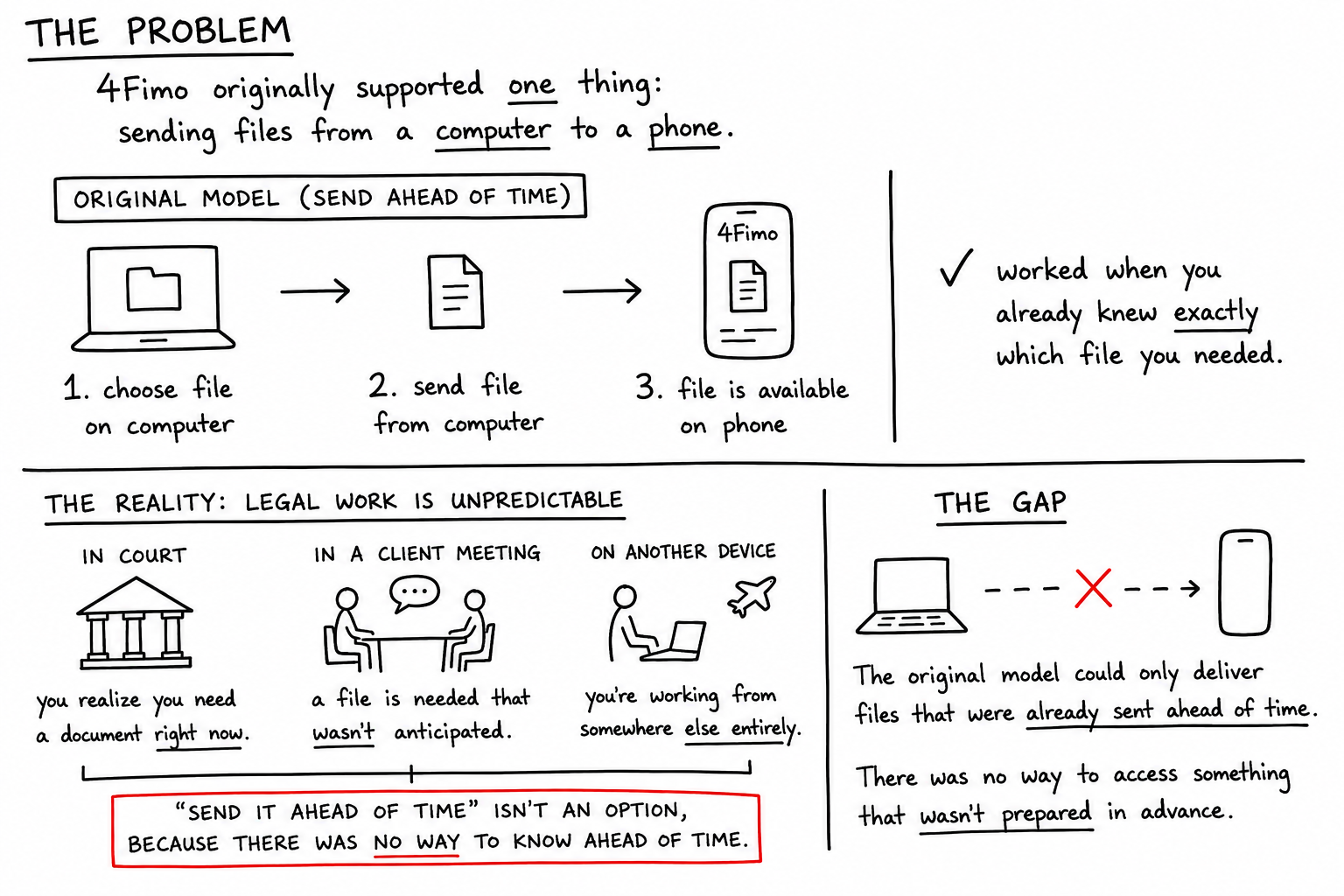
4Fimo Supported ONE thing:
- Sending files from a computer to a phone.
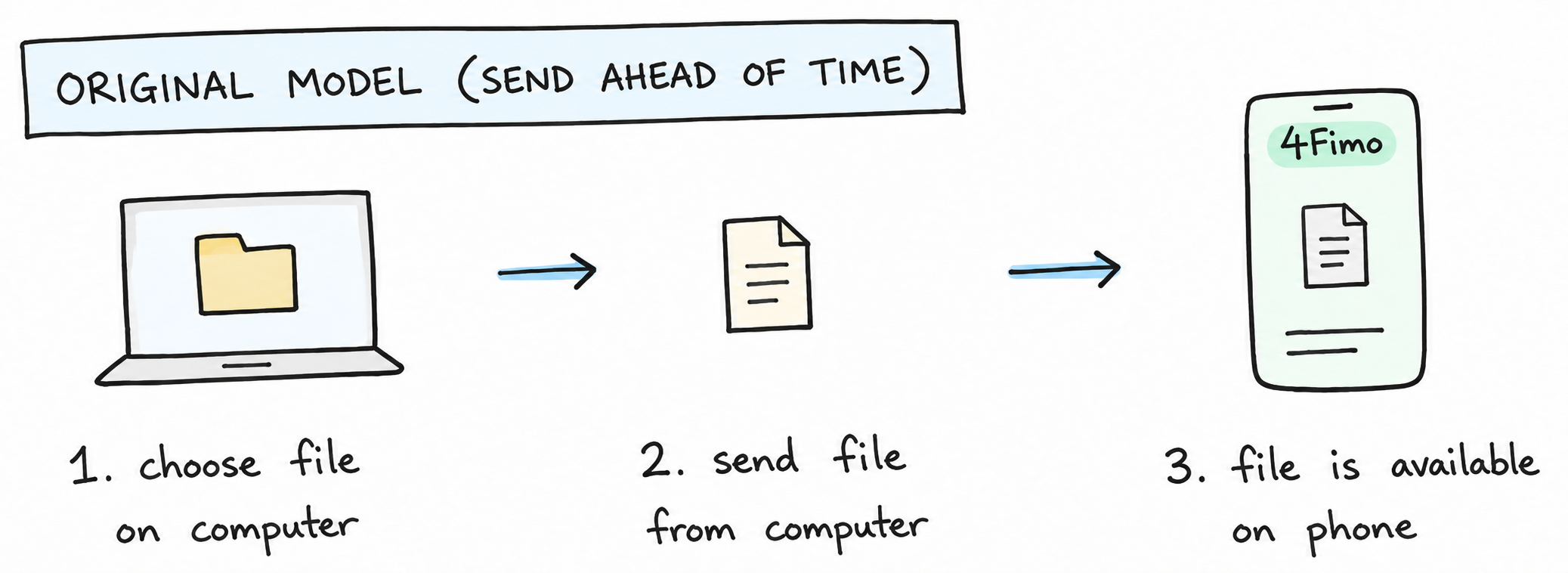
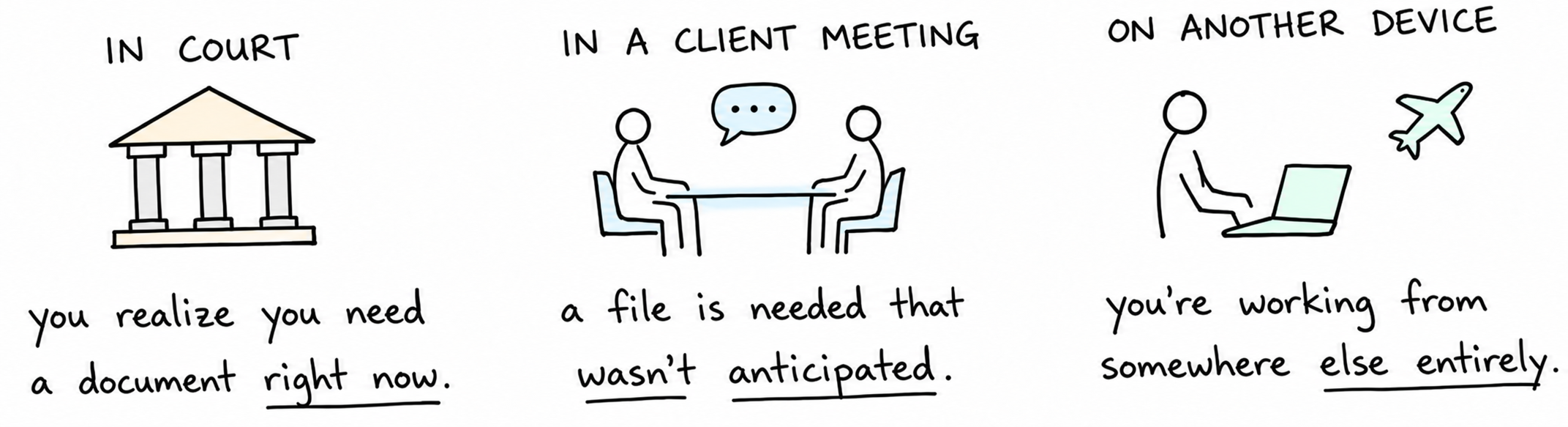
Legal work is unpredictable
The gap
The original model could only deliver files that were already sent ahead of time. There was no way to access something that weren't prepared in advance.
Step 1: Defining the Access Model
From sending files to retrieving them securely
The challenge wasn't simply adding remote file access.
Giving users unrestricted access to their computer would introduce unnecessary security and privacy risks. I needed to define a model that gave users access to files they hadn't anticipated needing, while keeping the rest of their computer inaccessible.
This led to the concept of Approved Folders: users would explicitly choose which folders could be accessed remotely, creating a controlled boundary between convenience and security.
Granting Access
I designed an Approved Folders model. Users explicitly choose which folders 4Fimo can access remotely. Everything outside those folders remains unavailable.
.png)
Figma wireframe
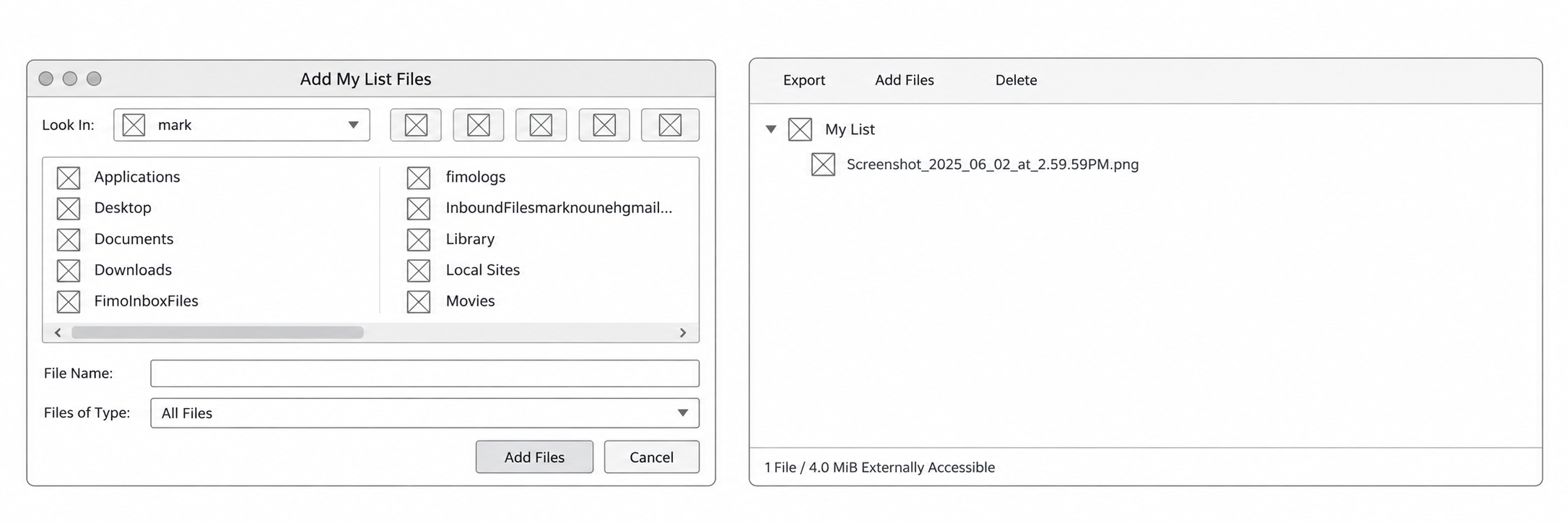
I wanted access to feel deliberate rather than automatic. Since the app is focused on privacy nothing feels more private than having full control over what happens on the app.
Step 2: Retrieving Files Anywhere
Turning an approved folder into on-demand access
Once a folder had been approved on the computer, its contents could be accessed through 4Fimo from the user's phone.
This changed the product from a system where files had to be sent in advance into one where users could retrieve what they needed when they needed it.
.png)
Figma wireframe
.png)
Step 3: Understanding the Biggest Constraint
Remote access depended on the computer staying available
The new retrieval model solved the problem of having to send files ahead of time, but it introduced an important constraint: the user's computer had to be powered on and connected for remote retrieval to work.
Approved Folders remained on the user's computer rather than being permanently uploaded elsewhere. When a user requested a file from their phone, 4Fimo needed to communicate with that computer to retrieve it.
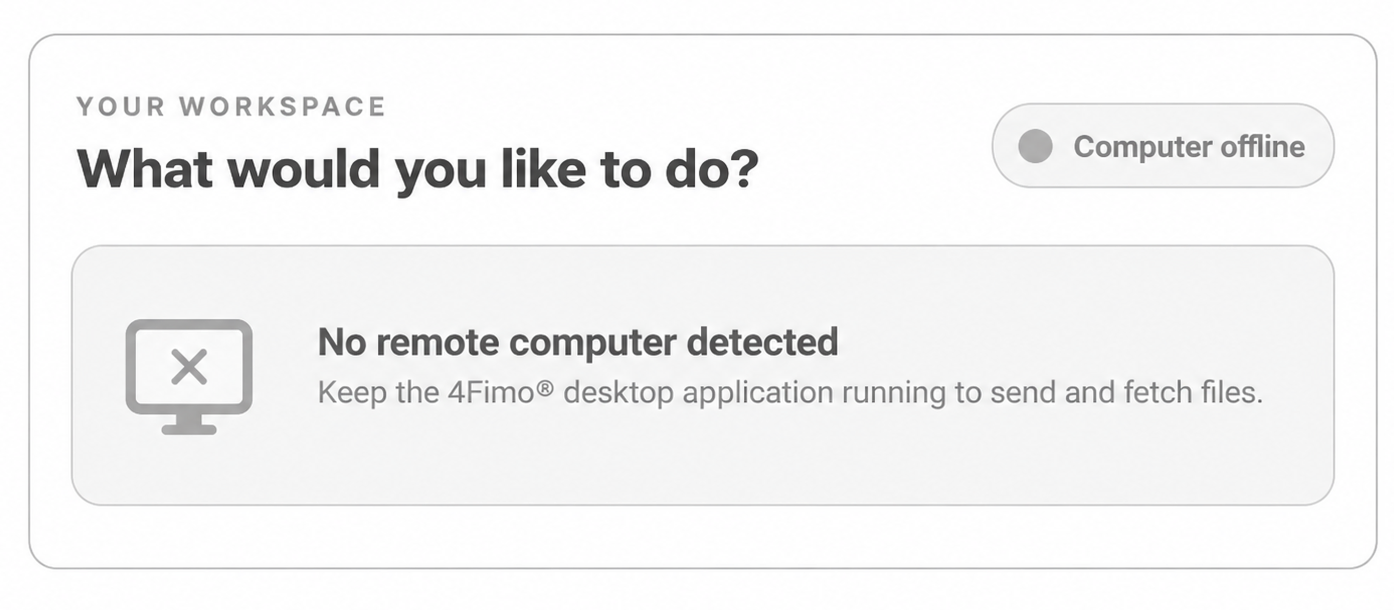
The interface therefore needed to answer a question before the user started browsing: Is my computer available right now?
Computer
🟢 Online
Files available

Computer
〇 Offline
Remote files unavailable
Step 4: Working around constraints
Retrieved files couldn't remain available indefinitely
Because security is priority, and the files are all stored and kept on users computer, 4fimo can only hold a fetched file for 60 minutes.

Step 5: User Testing
Testing whether the access model made sense
- Can users find a remotely available file?
- Do users understand the difference between remote and fetched files?
- Do users notice whether their computer is online?
- Do users understand temporary availability?
- Can users recover when something goes wrong?
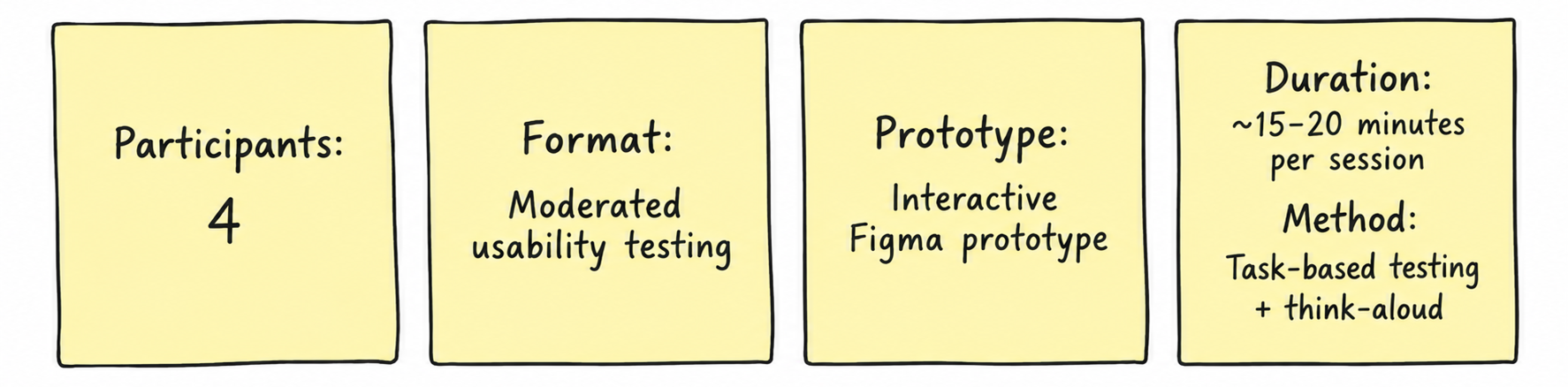
Test setup
The tasks (1)
"You're preparing to leave your computer, but you may need documents from your Client Files folder later. Make that folder available remotely."
What I'm testing: Whether users understand the Approved Folder model and that access must be explicitly granted from the computer.
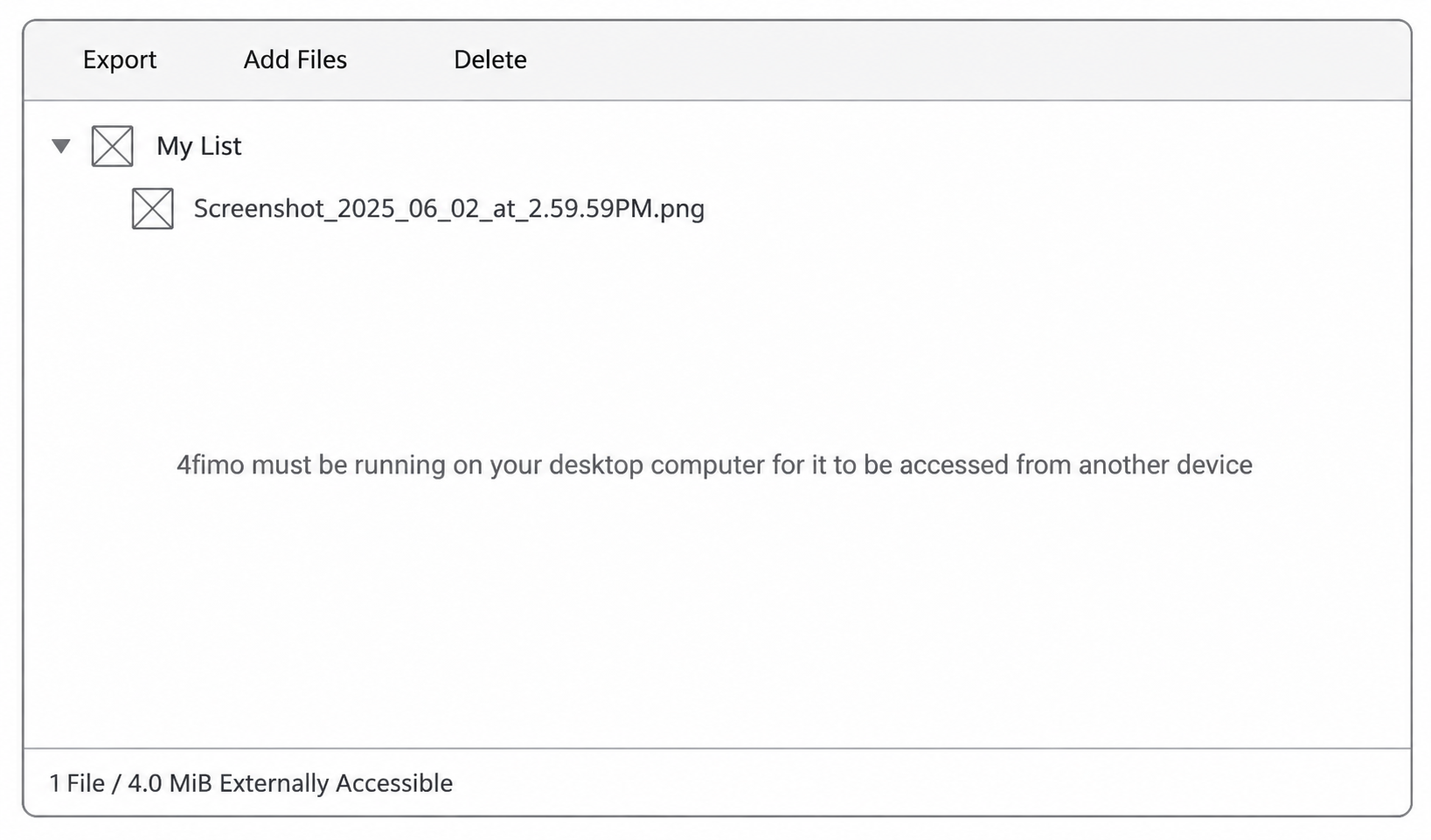
Results: 𖨆𖨆𖨆𖨆 4 of 4 participants did not realize that 4Fimo needed to remain running on their desktop computer for remote access to work. While participants understood how to approve a folder, the dependency between the desktop computer and remote device was not sufficiently communicated.
Design iteration
The tasks (2)
- "You're away from your computer and suddenly need
Contract.pdf, located inside Client Files → Case 124. Find the document and make it available on your current device."
Expected flow: Open 4Fimo → Authenticate → Explorer → Client Files → Case 124 → Contract.pdf → Fetch
What I'm testing: Whether the primary retrieval flow is discoverable without instructions.
Results: 𖨆𖨆𖨆𖨆 ✅ 4 of 4 participants succeeded.